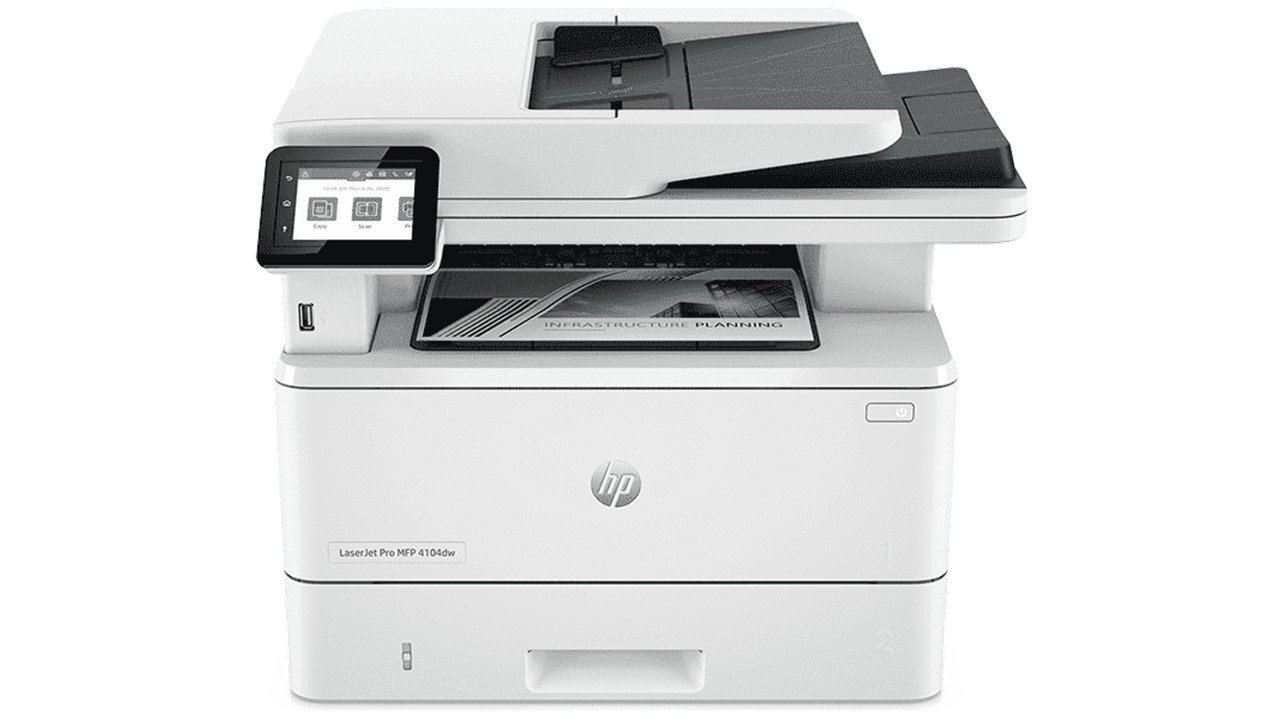
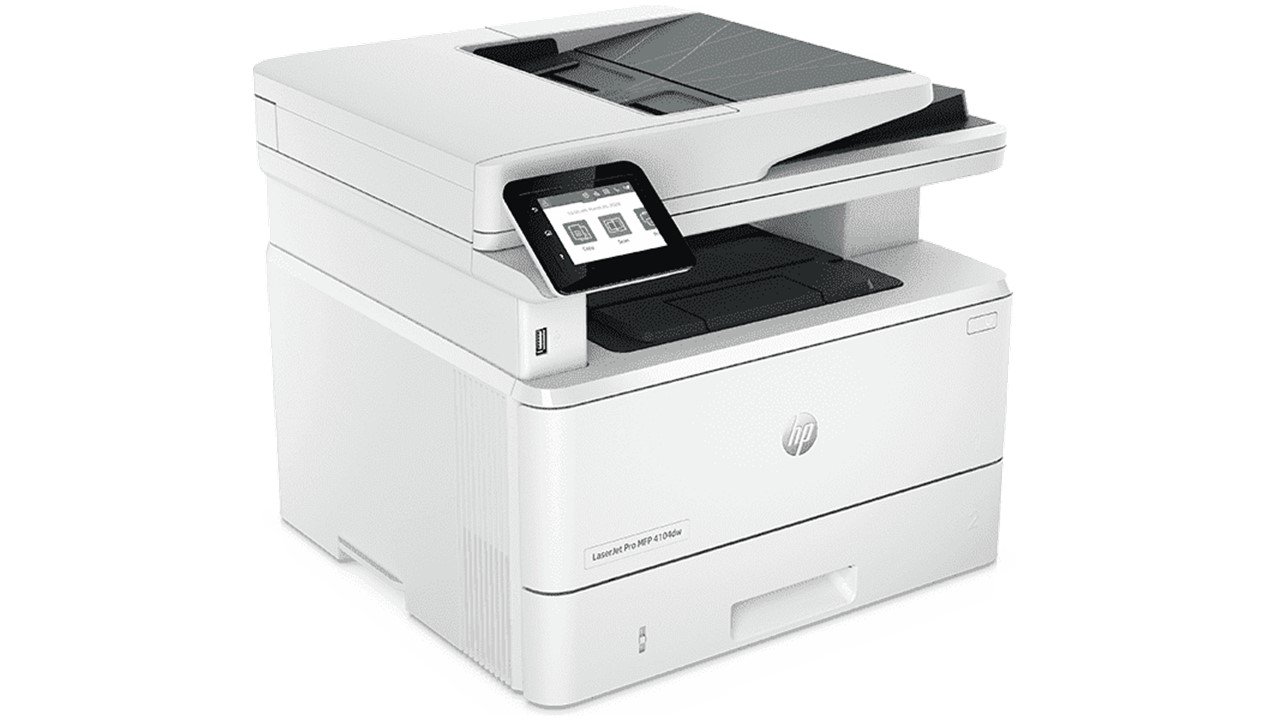
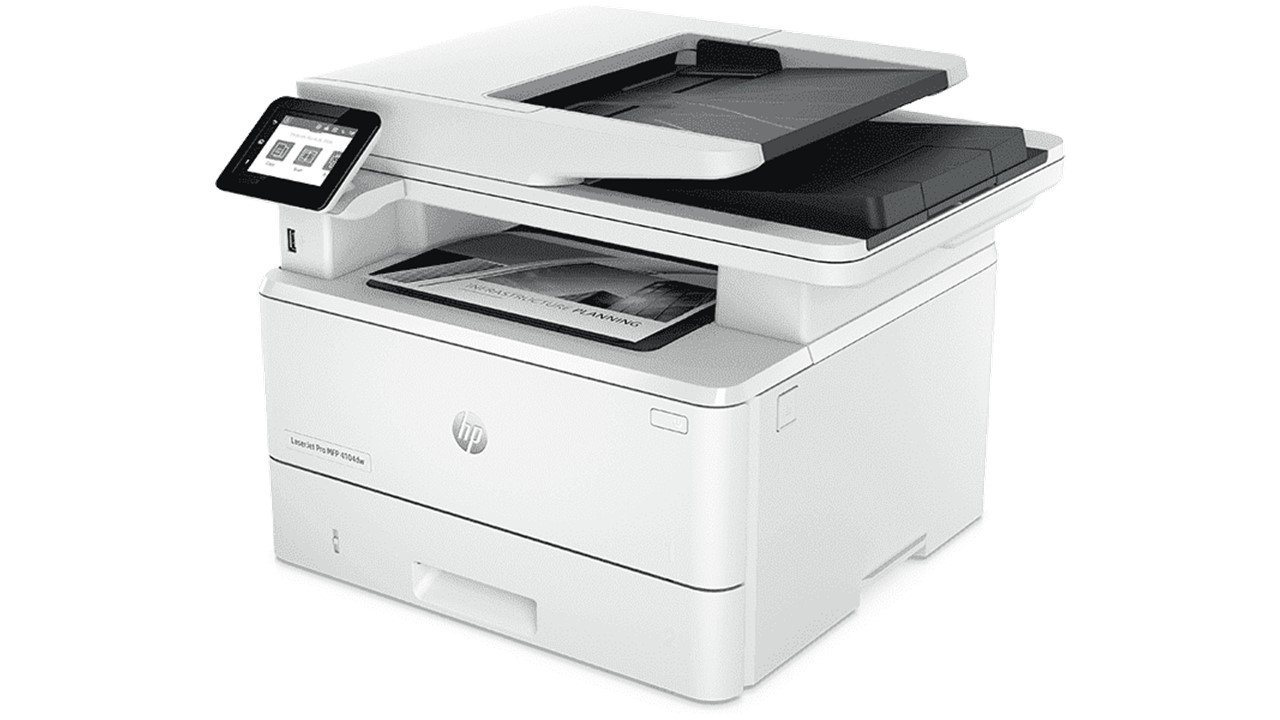
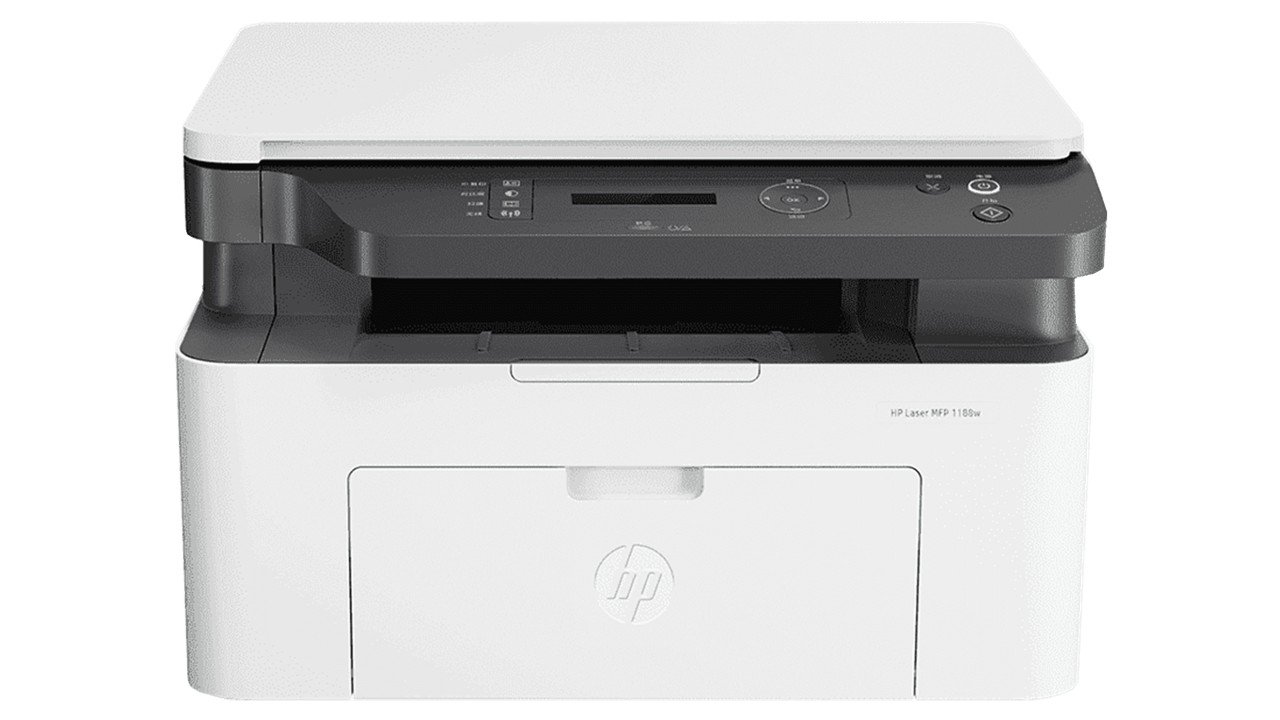
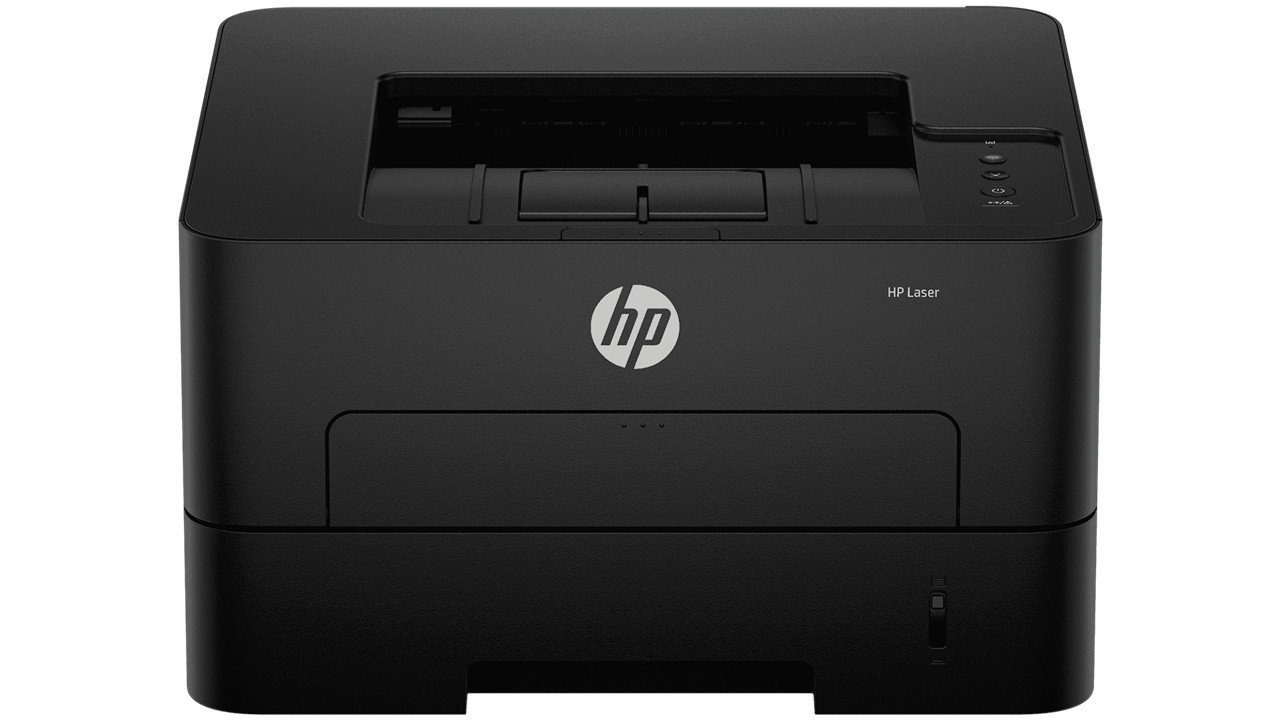
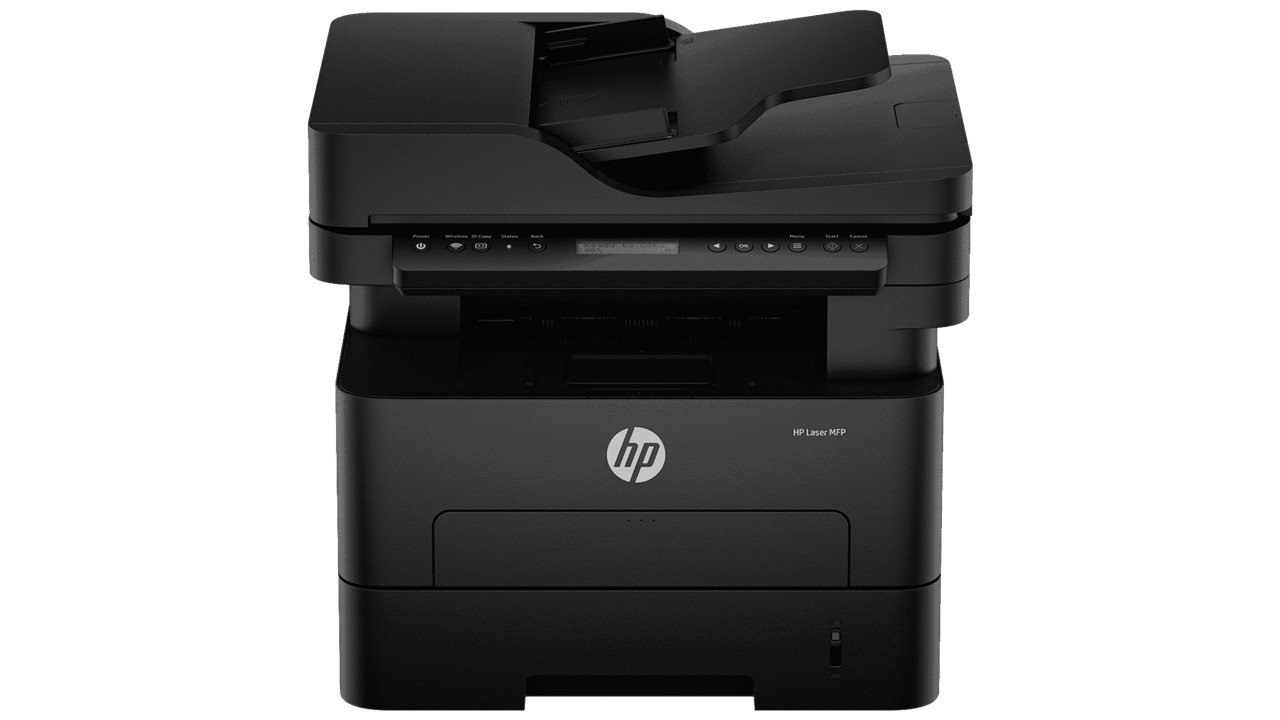
A4 Black and White Laserjet Printers,
Perfect for Business
Print, copy, scan
Prints up to 42/40 ppm (LTR/A4)
Apple AirPrint™, Ethernet, Mopria™, USB, Wi-Fi®, Bluetooth
Touchscreen
Optimize your office performance with increased IT control, blazing fast print speeds, high-performance, and scanning.
Support your dynamic workteam with this high-speed smart printer, ideal for up to 10 users.
Get more done with smart productivity features and simple shortcuts, available from the HP Smart app anywhere at any time. Connect and scan directly to a storage device using the host USB plug.
Automate to accomplish more. Simple shortcuts enable your people complete multistep tasks with just a touch.
Easily set up and manage your cloud-connected HP printer fleet, wherever they are, with a single, web-based dashboard -- Smart Admin. With robust connectivity features and smart management tools, your printers are ready when you are.[3]
Complete technical parameters, component breakdown & performance details
2Z632A
41 - 50
?
Black and white
Category
?
Laser printers
?
LaserJet
Usage
?
Business
Features
?
Print scan and copy
Connection And Communication
?
Apple AirPrint™, Bluetooth, Ethernet networking, Mopria™, USB, Wireless (Wi-Fi®), Wireless direct printing
Warranty
Warranty and support options vary by product, country and local legal requirements. Contact your Contractual Vendor or go to hp.com/support to learn about HP award winning service and support options in your region. (wty code 4E; wty ID A033)
1 years Onsite Warranty
Printing Media Handling
Sheetfeed
Up to 10 envelopes
Up to 150 sheets
Up to 150 sheets
Sheets: 550 (optional)
Sheets: 100; Envelopes: 10
Sheets: 250
Sheets: 50 uncurled
100-sheet tray 1, 250-sheet input tray 2; 50-sheet Automatic Document Feeder (ADF)
Optional third 550-sheet tray
Up to 350 sheets (Tray 1: up to 100 sheets; Tray 2: up to 250 sheets)
150-sheet output bin
Up to 10 envelopes
Up to 900 sheets (with Optional 550-sheet tray)
Display Specifications
2.7 (6.86 cm) intuitive color touchscreen (CGD)
5.4 x 4.05 cm
2.13 x 1.59 in
Environmental
Configuration tested: base model, simplex printing, A4 paper at an average of 40 ppm
54 dB(A)
10 to 80% RH (non-condensing)
-20 to 40°C
10 to 32.5°C
6.7 B(A)
15 to 27°C
Inaudible
Inaudible
Scan Speed
Up to 31 ppm/49 ipm (b&w), up to 21 ppm/36 ipm (color)
Up to 29 ppm/46 ipm (b&w), up to 20 ppm/34 ipm (color)
Up to 46 ipm (b&w), up to 34 ipm (color)
Up to 49 ipm (b&w), up to 36 ipm (color)
Cartridges And Printheads
Laser
1 (black)
HP 152A Black Original LaserJet Toner Cartridge (~3,050 pages), W1520A; HP 152X Black Original LaserJet Toner Cartridge (~9,700 pages), W1520X
HP JetIntelligence Cartridge
Copy Speed
Up to 40 cpm
Up to 42 cpm
First Copy Out from Ready and Simplex Copy Speed measured using ISO/IEC 29183, Duplex Copy Speed measured using ISO/IEC 24735, excludes first set of test documents. For more information see http://www.hp.com/go/printerclaims. Exact speed varies depending on the system configuration, software application and document complexity.
Up to 34 cpm
Up to 36 cpm
Battery And Power
110-volt input voltage: 110 to 127 VAC (+/- 10%), 50/60 Hz (+/- 2 Hz); 220-volt input voltage: 220 to 240 VAC (+/- 10%), 50/60 Hz (+/- 2 Hz) (Not dual voltage, product varies by part number with # Option code identifier)
510 watts (active printing), 7.5 watts (ready), 0.9 watts (sleep), 0.9 watts (Auto Off/Wake on LAN, enabled at shipment), 0.06 watts (Auto-off/Manual-on), 0.06 (Manual Off)
Internal (Built-in) power supply
Print Time
As fast as 6.1 sec
As fast as 6.3 sec
Not Applicable
As fast as 8.6 sec
As fast as 8.8 sec
Printer Specifications
USB Printing; Optional job storage via external rear host USB port (Minimum 16GB)
Up to 80,000 pages
Duty cycle is defined as the maximum number of pages per month of imaged output. This value provides a comparison of product robustness in relation to other HP LaserJet or HP Color LaserJet devices, and enables appropriate deployment of printers and MFPs to satisfy the demands of connected individuals or groups.
No
HP recommends that the number of printed pages per month be within the stated range for optimum device performance, based on factors including supplies replacement intervals and device life over an extended warranty period.
Print, copy, scan
No
HP PCL 6, HP PCL 5e, HP postscript level 3 emulation, PDF, URF, Native Office, PWG Raster
3
Up to 80,000 pages
2
750 to 4,000
Laser
Automatic (default)
As fast as 45 sec
84 scalable TrueType fonts
No
HP Printer Assistant; HP Web JetAdmin Software; HP JetAdvantage Security Manager; HP SNMP Proxy Agent (Part of HP WebJetAdmin); HP WS Pro Proxy Agent (Part of HP WebJetAdmin); Printer Administrator Resource Kit for HP Universal Print Driver (Driver Configuration Utility - Driver; Deployment Utility - Managed Printing Administrator)
No
Wireless; Print from phone or tablet; Automatic document feeder; Two-sided printing; Two-sided scanning; Scan to email; Scan to PDF; Front USB flash drive port; Optional high-capacity trays; Touchscreen; JetIntelligence cartridge
For teams up to 10 users; Prints up to 4,000 pages/month
Scanner Specifications
216 x 356 mm
PDF, JPG, TIFF
Yes
Standard, 50 sheets
Flatbed, ADF
216 x 297 mm
256
Front-panel scan, copy, email, or file buttons; HP Scan software; and user application via TWAIN or WIA
102 x 152 mm
24-bit
Version 2.3
Yes
750 to 4000
Windows HP Scan SW supports PDF, searchable PDF, JPG, RTF, TXT, BMP, PNG, TIFF. Mac HP Easy Scan SW supports PDF, searchable PDF, JPG, RTF, TXT, JPG-2000, PNG, TIFF;
PDF; JPG
Contact Image Sensor (CIS)
8.5 x 11.7 in
8.5 x 14 in
4 x 6 in
750 - 4,000
Certification And Compliance
No
CECP; SEPA; IT ECO Declaration
CISPR 32:2015 Class B / EN 55032:2015 Class B; CISPR 35:2016 / EN 55035:2017 Class B; EN IEC 61000-3-2:2019; EN 61000-3-3:2013+A1:2019; EN 61000-4-12:2016; FCC CFR 47 Part 15 Class B; ICES-003, Issue 7 Class B
IEC 60950-1:2005 +A1:2009 +A2:2013; IEC 62368-1:2014 / EN 62368-1:2014; IEC 60825-1:2014 / EN 60825-1:2014; IEC 62479:2010 / EN 62479:2010
ETSI EN 301 489-1 V2.2.3; ETSI EN 301 489-17 V3.2.4
Recyclable through HP Planet Partners; Contains post-consumer recycled plastic
RCM (Australia), TUV and GS Mark (Germany), BSMI (Taiwan), CCC (China), BIS (India), KC (South Korea), SIRIM (Malaysia), Cambodia, Ukraine, EAC, Eastern European approvals, CE Marking, FCC, Energy Star, UL, Paraguay, Chile, Argentina, Indonesia, Singapore, Philippines, etc.
Box Contents
Preinstalled HP Black Original LaserJet Toner Cartridge; Getting Started Guide; Support Flyer; Warranty Guide; Regulatory Flyer; Power cord; USB cable (AP & Wireless Only)
Yes, 1 USB; 1 USB PC to Printer (AP and Wireless); No, please purchase USB cable separately (EMEA, NA)
Dimensions
420 x 390 x 323 mm
430 x 634 x 325 mm
without trays and covers not extended
16.54 x 15.35 x 12.72 in
Weights
12.6 kg
Geographic
Made in China
Connectivity And Communications
1 Hi-Speed USB 2.0; 1 rear host USB; 1 Front USB port; Gigabit Ethernet LAN 10/100/1000BASE-T network; 802.3az(EEE); 802.11b/g/n / 2.4 / 5 GHZ Wi-Fi radio + BLE
Yes, via built-in 10/100/1000Base-TX Ethernet, Gigabit; Auto-crossover Ethernet; Authentication via 802.1X
HP Smart App; Apple AirPrint™; Mopria™ Certified; Wi-Fi® Direct Printing; Optional ROAM Queue Printing; HP ROAM For Business
TCP/IP, IPv4, IPv6; Print: TCP-IP port 9100 Direct Mode, LPD (raw queue support only), Apple AirPrint™, Mopria, IPP Print; Discovery: SLP, Bonjour, Web Services Discovery; IP Config: IPv4 (BootP, DHCP, AutoIP, Manual), IPv6 (Stateless Link-Local and via Router, Statefull via DHCPv6), SSL Security and Certificate management; Management: SNMPv1, SNMPv2, SNMPv3, HTTP/HTTPS, Syslog, FTP FW Download
Fax Specifications
No
No
No
No
No
System Components
2.7” Color Touchscreen
Processors
1200 MHz
Scan Resolution
Flatbed (Up to 1200 x 1200 dpi); ADF (Up to 300 x 300 dpi)
Up to 1200 x 1200 dpi
Up to 1200 x 1200 dpi
Memory
512 MB
512 MB
Supported Printing Media
Tray 1: A4; A5; A6; B5 (JIS); Oficio (216 x 340 mm); 16K (195 x 270 mm); 16K (184 x 260 mm); 16K (197 x 273 mm); Japanese Postcard; Double Japan Postcard Rotated; Envelope #10; Envelope Monarch; Envelope B5; Envelope C5; Envelope DL; Custom Size; 4 x 6 in; 5 x 8 in; Statement; Tray 2 & Tray 3: A4; A5; A6; B5 (JIS); Oficio (216 x 340 mm); 16K (195 x 270 mm); 16K (184 x 260 mm); 16K (197 x 273 mm); Custom Size; A5-R; 4 x 6 in; B6 (JIS)
Letter; Legal; Executive; Oficio (8.5 x 13 in); A4; A5; A6; B5 (JIS); Oficio (216 x 340 mm); 16K (195 x 270 mm); 16K (184 x 260 mm); 16K (197 x 273 mm); Custom Size; A5-R; 5 x 8 in; B6 (JIS); Statement
Letter; Legal; Executive; Oficio (8.5 x 13 in); A4; A5; A6; B5 (JIS); Oficio (216 x 340 mm); 16K (195 x 270 mm); 16K (184 x 260 mm); 16K (197 x 273 mm); Custom Size; A5-R; 5 x 8 in; B6 (JIS); Statement
Letter; Legal; Executive; Oficio (8.5 x 13 in); A4; A5; A6; B5 (JIS); Oficio (216 x 340 mm); 16K (195 x 270 mm); 16K (184 x 260 mm); 16K (197 x 273 mm); Custom Size; A5-R; 5 x 8 in; B6 (JIS); Statement
A4; Oficio; Letter; Legal
Tray 1: 60 to 200 g/m² ; tray 2, optional 550-sheet tray 3: 60 to 120 g/m²
Paper (plain, EcoEFFICIENT, light, heavy, bond, colored, letterhead, preprinted, prepunched, recycled, rough); envelopes; labels;
60 to 120 g/m²
60 to 120 g/m²
60 to 200 g/m²
60 to 120 g/m² (optional 550-sheet tray)
60 to 120 g/m²
Tray 1: 76.2 x 127 to 215.9 x 355.6 mm; Tray 2, 3: 104.9 x 148.59 to 215.9 x 355.6 mm
4 x 6 in; Letter; Legal; Envelopes
10 x 15 cm; A4; Envelopes
Letter; Legal; A4; custom sizes 102 x 152 to 216 x 356 mm
Tray 1: 16 to 53 lb; tray 2, optional 550-sheet tray 3: 16 to 32 lb
Letter; Legal; Oficio; A4
Tray 1: Letter; Legal; Executive; Oficio (8.5 x 13 in); 16K; Japanese Postcard; Double Japan Postcard Rotated; Envelope #10; Envelope Monarch; Envelope B5; Envelope C5; Envelope DL; Custom Size; 4 x 6 in; 5 x 8 in; Statement; Tray 2 & Tray 3: Letter; Legal; Executive; Oficio (8.5 x 13 in); Custom Size; 5 x 8 in; Statement
16 to 32 lb
Tray 1: 3 x 5 to 8.5 x 14 in, Tray 2, 3: 4.12 x 5.83 to 8.5 x 14 in
System Requirements
2 GB available hard drive space; Internet connection or USB port; Internet browser. For additional OS hardware requirements see apple.com;
2 GB available hard disk space; Internet connection or USB port; Internet browser. For additional OS hardware requirements see microsoft.com;
Software And Applications
Current HP printer drivers and software can be obtained from the HP Customer Care Web site: Go to http://www.hp.com/support/ (country/region may need to be selected), Select “Support”, Select “Software and Drivers”Select “Printer”Enter a product name/number (The operating system is automatically detected),Select a driver or other software,Select “Download”;
From http://123.hp.com- HP Easy Start (Guided Software Install for Windows and Mac); From http://hp.com for Windows OS-Full-solution software and drivers, Basic-solution software and drivers, HP PCL6 XPS Discrete Print Driver, Product Documentation and Support, From http://hp.com for Mac OS-, HP Mac OS Print Driver, HP Easy Admin, For Mobile OS-, iOS For more information see http://hp.com/go/businessmobileprinting, Android For more information see http://hp.com/go/businessmobileprinting, From http://hp.com for printer administrators-, Printer Administrator Resource Kit (Driver Configuration, Utility - Driver Deployment Utility - Managed Printing Administrator), HP Universal Print Drivers PCL6 GDI & PS GDI for Windows For more information on the supported operating systems go to http://support.hp.com, SAP Print Drivers for more information see http://support.hp.com/us-en/document/c05051702, HP Web JetAdmin, HP JetAdvantage Security Manager, HP Roam HPLIP Linux, Printer Driver for more information see http://hplipopensource.com/hplip-web/index.html, Unix Model Script Printer Driver for more information see http://hp.com/go/unixmodelscripts, For more information on the supported operating systems go to http://support.hp.com, Enter your product name and search, Click on User Guides and enter your product name and search for User Guide, Search for your (Product Name) - User Guide, Search for the Supported Operating Systems section, Supported Operating systems, For more information on the supported operating systems also see www.hp.com/go/upd, HP Smart Suite- Basic (Only supported on Windows 10 and above), HP Smart Suite- Advanced (Only supported on Windows 10 and above), HP SmartApp (Only supported on Windows 10 and above), HP SmartDriver, HP PrintScanDr, HP WebJetAdmin + Workpath, HP Command Center, Chrome Extension, Android Plug-in;
Yes
No software solutions are included in the Box only on http://hp.com; http://123.hp.com;
Supported Operating Systems
Windows 11; Windows 10; Windows 7; Windows Client OS; Android; iOS; Mobile OS; macOS 10.15 Catalina; macOS 11 Big Sur; macOS 12 Monterey
Windows 8; Windows Server; Linux; Citrix; Novell
Print Resolution
Normal (native 600 x 600 dpi; enhanced up to 4800 x 600 dpi)
Fine Lines (1200 x 1200 dpi)
Fine Lines (1200 x 1200 dpi)
Rack And Power Specifications
0.40 kWh/Week (Blue Angel); 0.44 kWh/Week (Energy Star 3.0)
3-10 Users
Print Area
207.4 x 347.1mm
4.3 mm
4.3 mm
4.3 mm
4.3 mm
Advanced Features
Copy preview
Auto duplex and booklet printing, N-up printing, collation, watermarks, install printer driver only, Economode for toner savings, accepts a variety of paper sizes and types
HP Auto-On/Auto-Off Technology; Instant-on Technology; EcoSmart black toner
Copier Specifications
Up to 9999 copies
25 to 400%
25 to 400%
ID Copy; Number of copies; Resize (including 2-Up); Lighter/Darker; Enhancements; Original Size; Binding Margin; Collation; Tray Selection; Two-Sided; Quality (Draft/Normal/Best); Save Current Settings; Restore Factory Defaults
Multimedia And Input Devices
No
Up to 1200 x 1200 dpi
Appearance
?
White
Key highlights, product summary & architectural capabilities
Optimize your office performance with increased IT control, blazing fast print speeds, high-performance, and scanning.
Support your dynamic workteam with this high-speed smart printer, ideal for up to 10 users.
Get more done with smart productivity features and simple shortcuts, available from the HP Smart app anywhere at any time. Connect and scan directly to a storage device using the host USB plug.
Automate to accomplish more. Simple shortcuts enable your people complete multistep tasks with just a touch.
Easily set up and manage your cloud-connected HP printer fleet, wherever they are, with a single, web-based dashboard -- Smart Admin. With robust connectivity features and smart management tools, your printers are ready when you are.[3]
A4 Black and White Laserjet Printers,
Perfect for Business
Print, copy, scan
Prints up to 42/40 ppm (LTR/A4)
Apple AirPrint™, Ethernet, Mopria™, USB, Wi-Fi®, Bluetooth
Touchscreen
Genuine brand coverage, secure transit logistics & dedicated support
All hardware items are sourced directly from verified authorized manufacturers with full official brand warranty support.
Dispatched with premium anti-static multi-layer packaging and live tracked express shipping partners across India.
Need hardware compatibility check or driver installation guidance? Reach out to our certified specialists.
Damage in transit or dead-on-arrival (DOA) units are eligible for rapid replacement under our verified return policy.